Quick Answer
Google Ads for contractors works when you pay per qualified lead through Local Services Ads at about $50 per lead instead of per click on search ads at $90-plus, target near-me and emergency keywords, and route every inbound call into instant text-back so the lead is engaged in under 15 seconds. The contractor who responds first wins about 78% of jobs, so the ad is only half the system; the response speed is the other half.
Key Takeaways
- Local Services Ads charge about $50 per qualified lead, while traditional search ads run $90 or more per click, often without a guaranteed call.
- For most contractors, yes.
- High-intent, near-me, and emergency keywords like 'roof leak repair near me' or 'emergency plumber' convert best.
- Within 15 seconds.
- Yes, with call tracking that assigns a unique number to each ad and logs every call to its source.
Definition
Local Services Ads charge about $50 per qualified lead versus $90-plus for search ads.
Google Ads for contractors works when you pay per qualified lead through Local Services Ads at about $50 per lead instead of per click on search ads at $90-plus, target near-me and emergency keywords, and route every inbound call into instant text-back so the lead is engaged in under 15 seconds. The contractor who responds first wins about 78% of jobs, so the ad is only half the system; the response speed is the other half.
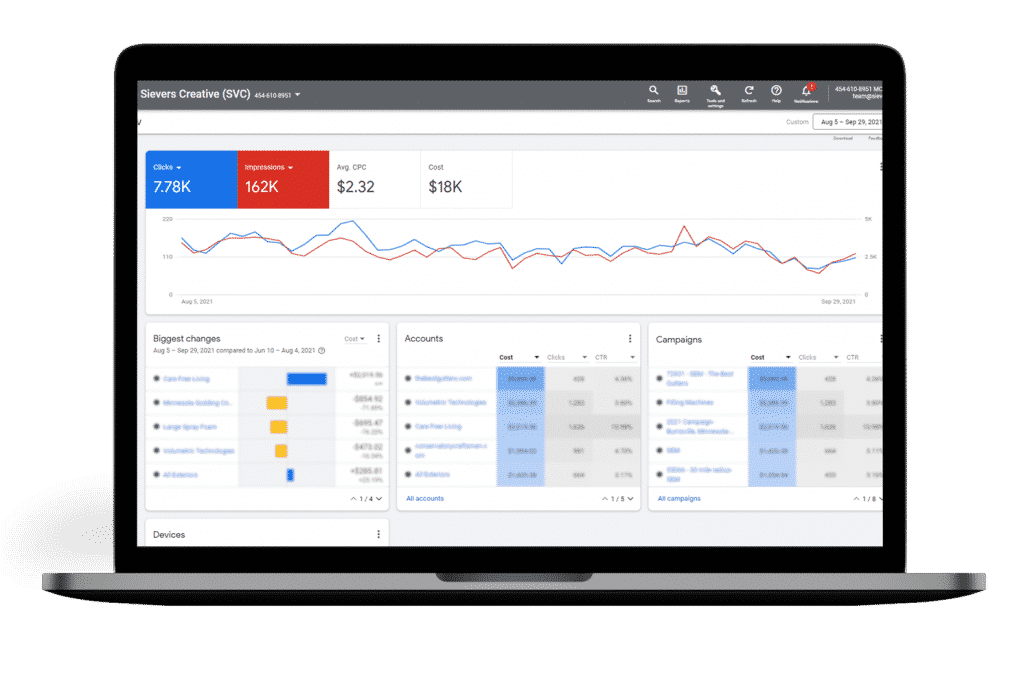
Pay per lead, not per click
Local Services Ads charge about $50 per qualified lead, while search ads run $90 or more per click with no guarantee of a call. For contractors, pay-per-lead is the lower-risk, lower-waste path, because you only pay when a real, screened lead actually calls.
The most expensive mistake contractors make on Google Ads is buying clicks instead of leads. A search ad campaign burns budget on every click, and many of those clicks are competitors, researchers, or people who bounce. Local Services Ads flip that: you pay only when a screened, qualified lead calls you, with a Google Guaranteed badge that lifts trust. The cost per qualified lead is roughly half of search-ad cost per click, and the leads are pre-screened. This is why we recommend contractors start with Local Services Ads, covered in detail in our Google Local Services Ads for contractors guide.
The keywords that actually produce jobs
Contractors should target high-intent, near-me, and emergency keywords that signal a buyer, not a browser. 'Roof leak repair near me' or 'emergency plumber' converts; 'how to fix a roof' attracts researchers and wastes the budget.
| Keyword type | Example | Outcome |
|---|---|---|
| High-intent near-me | 'roof replacement near me' | Buyer ready to hire, high conversion |
| Emergency | 'emergency plumber burst pipe' | Urgent buyer, books same day |
| Service-specific | 'furnace installation cost' | Comparing, converts with a fast estimate |
| Informational | 'how to fix a leaky roof' | Researcher, wastes budget, do not bid |
The ad is half the system; the response is the other half
An ad that produces a call is wasted if the call goes to voicemail. The first contractor to respond wins about 78% of jobs, so every Google Ads call must route into instant text-back that engages the lead in under 15 seconds, before they call the next ad.
Contractors spend thousands on ads and then let the calls go to voicemail. The lead calls, gets no answer, and dials the next Google Guaranteed badge. The fix is mechanical: every ad-driven call that goes unanswered triggers an instant text-back that says the team is on a job and asks how to help, engaging the lead in seconds. That text keeps the lead warm until someone can call back, and it is exactly the system we build in missed-call text-back for contractors. The ad brings the lead; the text-back closes it.
Tracking which ads actually ring
Call tracking assigns a unique number to each ad and logs every call to its source, so you can cut spend on ads that never ring and double down on the ones that do. Without it, contractor ad spend is blind, and most budgets waste on the wrong campaigns.
- Place a tracking number on each ad source and landing page, never on your Google Business Profile.
- Log every call to its source so the monthly report shows which ad rings the phone.
- Cut campaigns that produce clicks but no calls; double down on the ones that do.
- Record calls with consent to audit which leads are qualified and which are not.
- Sync call data into the CRM so every ad-driven call becomes a follow-up-able lead.
Wiring call tracking and instant text-back into the ad flow is engineering work, which is why an expert AI automation engineer configures the tracking numbers, routing, and CRM sync so the ad system is measurable and the response is instant. Contractors running ads should pair this with our call tracking software guide and the lead response time statistics that explain why speed is the closing lever.
The contractor Google Ads checklist
Run this checklist: start with Local Services Ads for pay-per-lead, target high-intent near-me and emergency keywords, route every call into instant text-back, track which ads ring, and cut spend on ads that never produce a qualified call. The response speed is what turns ad spend into booked jobs.
- 1Start with Local Services Ads to pay per qualified lead, not per click.
- 2Target high-intent near-me and emergency keywords; exclude informational terms.
- 3Route every ad-driven call into instant text-back that engages in under 15 seconds.
- 4Place a tracking number on each ad and log calls to source.
- 5Review the source report monthly and reallocate budget to ads that ring.
When you want Google Ads, call tracking, and instant text-back wired into one owned system, book a free setup audit and we will map it to your trade and market.
This is one piece of the owned marketing engine model, where each rented tool, from the ad platform to the call tracking to the text-back engine, is rebuilt as part of one owned system for a single one-time build fee.
Key takeaways
- Local Services Ads charge about $50 per qualified lead versus $90-plus per click for search ads.
- Target high-intent near-me and emergency keywords; exclude informational terms that waste budget.
- The first contractor to respond wins about 78% of jobs, so instant text-back is essential.
- Call tracking logs which ads ring so you cut waste and double down on what works.
- The ad brings the lead; the instant text-back is what closes it.

Marjohn Robillo— AI Automation Engineer & Lead AI Consultant
Marjohn Robillo is the AI Automation Engineer and Lead AI Consultant at Apehx Digital, architecting speed-to-lead, conversational text-back, and AI-qualification systems for US service businesses. Portfolio & consulting: marjohnrobillo.me.
See more of Marjohn's workFrequently Asked Questions
How much do Google Ads cost for contractors?
Local Services Ads charge about $50 per qualified lead, while traditional search ads run $90 or more per click, often without a guaranteed call. For contractors, pay-per-lead Local Services Ads are the cheaper, lower-risk path.
Are Google Local Services Ads better for contractors than search ads?
For most contractors, yes. Local Services Ads charge only for qualified leads, screen callers, and show at the top of local search with a Google Guaranteed badge, while search ads charge per click regardless of whether the click produces a call.
What keywords should contractors target on Google Ads?
High-intent, near-me, and emergency keywords like 'roof leak repair near me' or 'emergency plumber' convert best. Avoid broad informational terms that attract browsers, not buyers.
How fast should a contractor respond to a Google Ads lead?
Within 15 seconds. A lead contacted in under 5 minutes is up to 100x more likely to convert, and the first contractor to respond wins about 78% of jobs, so instant text-back is essential.
Can I track which Google Ads produce calls?
Yes, with call tracking that assigns a unique number to each ad and logs every call to its source. This is how you cut spend on ads that never ring and double down on the ones that do.
More from the blog
Related guides in the same topic cluster.